







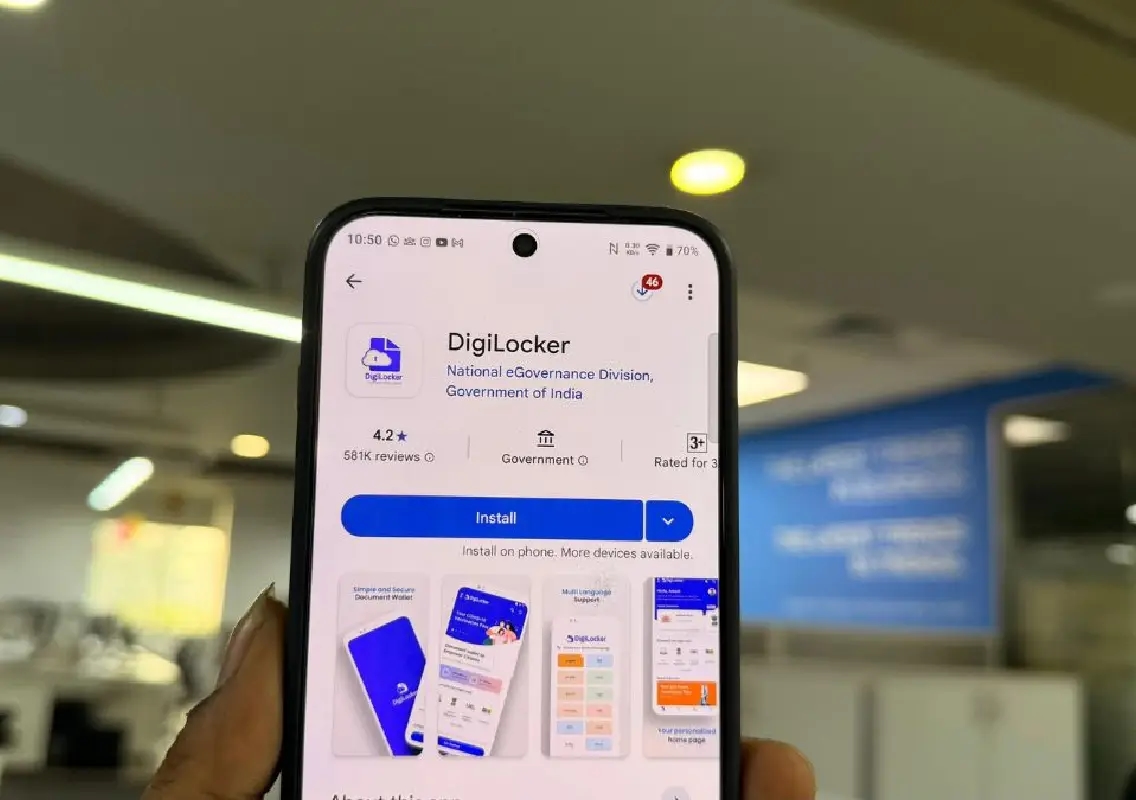


Security researchers have flagged the re-emergence of fake DigiLocker apps on the Google Play Store, raising serious concerns over data theft and financial fraud.
How the fake DigiLocker apps trap users
The malicious apps are designed to closely mimic DigiLocker, a trusted government-backed platform used to store official documents. Using similar names, logos and descriptions, the fake apps trick users into believing they are legitimate services.
Once installed, these apps ask for unnecessary and dangerous permissions, such as access to SMS, calls and even screen recording. Users are then prompted to “verify” their identity using Aadhaar, PAN or phone numbers. This allows the apps to intercept OTPs, monitor keystrokes and, in some cases, redirect victims to fake UPI or banking pages that look almost identical to real ones.
Why users fall for the scam
Experts say the scams work because of the high level of trust people place in DigiLocker. Since it is a widely used official service, many users lower their guard and do not scrutinise app details carefully. Victims often realise something is wrong only after spotting unauthorised debits in their bank or UPI accounts.
Security analysts advise users to always verify the developer name, look for spelling inconsistencies in app titles, and be wary of apps asking for permissions unrelated to their core function.
What to do if you installed a fake app
If you suspect you have downloaded a fake DigiLocker app, experts recommend immediate action:
- Do not open the app again
- Turn off mobile data or Wi-Fi
- Uninstall the app immediately
- Check bank and UPI apps for suspicious transactions
- Change passwords using a different device
- Inform your bank and file a complaint on the cybercrime portal if money is lost
Stay alert, stay safe
With fake government apps resurfacing periodically, users are urged to download apps only from verified publishers and remain cautious, even on trusted platforms like the Google Play Store.