







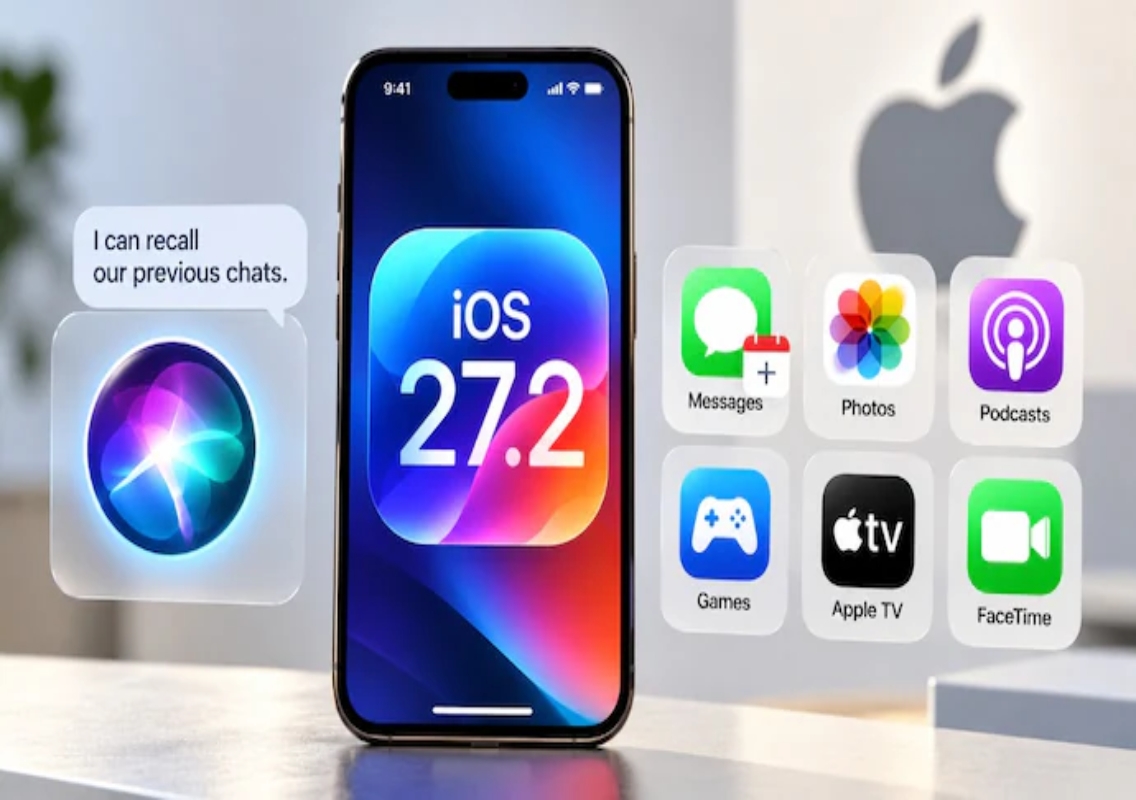


Cupertino: Apple has released iOS 27.2, bringing significant improvements to Siri AI, Messages and several built-in apps, alongside new features designed specifically for its iPhone Duo. The software update, released on October 26, 2026, expands Siri’s language support, allows the AI assistant to recall previous conversations and introduces additional ways to interact with apps.
The update is the first major upgrade to Apple’s iOS 27 operating system since its launch in September. It also introduces Apple Pencil USB-C support for the iPhone Duo, a new Edge Light feature for video calls, changes to Apple Music and Podcasts, and expanded sports streaming capabilities in the Apple TV app.
For Apple, the release represents another step towards making artificial intelligence a more integrated part of the iPhone experience, while improving the software features available across its latest devices.
Siri AI becomes more personal and useful
One of the most significant additions in iOS 27.2 is the improved ability of Siri AI to recall previous conversations. Users can ask the assistant to revisit information discussed earlier, including recommendations it provided in a previous interaction.
For example, someone who previously asked Siri for restaurant recommendations can return to that conversation rather than having to repeat the entire request. This ability to use conversational history is intended to make interactions more continuous and useful.
Siri AI can also draw information from a wider range of sources on a compatible device. These include photos attached to Messages, calendar event attendees and voicemails. Apple has also improved the assistant’s ability to use information from Safari browsing history and the Reading List.
The changes are designed to help Siri provide answers that are more relevant to a user’s personal context. Instead of relying only on a newly entered question, the assistant can use information available through supported apps and features to better understand what the user needs.
Another improvement is granular text selection. Users can select and copy specific portions of a Siri response instead of copying the entire answer, making it easier to reuse information in messages, notes or other applications.
More control over apps and personal information
Alongside its expanded capabilities, Siri AI is receiving a redesigned Excluded Apps setting.
The feature allows users to select which applications Siri, Search and system suggestions can access. Bringing these controls together in one place is intended to make it easier to manage how apps contribute to search results and personalised recommendations.
This is particularly relevant as AI assistants become more closely integrated with messages, browsing activity, photos and other personal information. While access to additional context can improve responses, users may prefer to restrict particular applications from contributing to those experiences.
Apple’s approach combines more personalised assistance with controls that let users decide which apps can be accessed by supported system features.
However, the availability of individual Apple Intelligence capabilities depends on the device, software version, language and region. Users should check Apple’s official documentation to confirm which features are supported on their devices.
Siri AI expands to more languages
iOS 27.2 also expands Siri AI’s language support beyond English. Apple has added French, Japanese, Korean, Portuguese and Spanish, increasing the number of languages available for the AI assistant.
The expansion is important for users who prefer interacting with technology in their primary language. It also broadens the potential reach of Apple’s AI features across international markets.
Siri AI remains in beta, and language support does not necessarily mean every feature is available in every country. Apple has stated that Siri AI will not initially be available on iOS, iPadOS and watchOS in the European Union, while availability in mainland China is also restricted as the company addresses regulatory requirements.
Compatible hardware is also required. Apple Intelligence and Siri AI are supported on eligible devices, including the iPhone 15 Pro and iPhone 15 Pro Max, the iPhone 16 series and newer compatible models. Not every iPhone capable of installing the operating system necessarily supports all AI features.
iPhone Duo gets Apple Pencil and video-call improvements
The iPhone Duo receives several device-specific improvements with iOS 27.2.
One of the key additions is support for the Apple Pencil USB-C. The feature extends the foldable smartphone’s capabilities for users who want to interact with content using a stylus, potentially making it more useful for note-taking and other productivity tasks.
The update also introduces Edge Light, a feature designed to illuminate a user’s face during video calls. It aims to improve the appearance of the person on camera when lighting conditions are less than ideal.
These additions build on the iPhone Duo’s foldable design, which provides a larger inner display for multitasking and running applications side by side. The device is intended to offer a more flexible experience than a conventional smartphone, particularly when users need to work across multiple apps.
The latest update also helps bring the iPhone Duo onto the same iOS 27.2 software version as other compatible iPhones.
Messages gets contextual suggestions
Apple has added contextual suggestions to the Messages app, helping users take action based on the content of their conversations.
For example, when a conversation includes plans for a dinner, the system may suggest adding an event to the Calendar app. Similar suggestions can help users organise information or carry out related actions without manually switching between applications.
Users can choose which types of suggestions they want, including options related to Calendar, Reminders, Notes, Maps, and flights and packages.
The feature reflects Apple’s broader effort to make its software more proactive. Rather than requiring users to open each application independently, the system can identify relevant opportunities to perform actions based on a conversation’s context.
These suggestions are intended to simplify routine tasks while allowing users to decide which integrations they want to use.
Apple Music, Podcasts and Apple TV receive updates
The iOS 27.2 release also brings changes to Apple’s entertainment applications.
Apple Music receives a redesigned black-and-white app icon as part of the company’s updated branding. Podcasts has also received changes to its interface, including adjustments to how listeners navigate programme sections and upcoming content.
The Apple TV app gains support for user profiles and expands its Multiview feature to the iPhone. The feature allows compatible users to watch up to four live sports streams simultaneously, offering a more flexible way to follow multiple events.
These additions extend beyond artificial intelligence and demonstrate that the update is also focused on improving everyday entertainment and media consumption.
The availability of Multiview and individual streaming features may depend on supported content, services and regional availability.
Shortcuts gains new automation options
The Shortcuts app receives further refinements in iOS 27.2, particularly for users who rely on automations to manage routine tasks.
The update introduces a new automation trigger for the iPhone Duo that responds when the device is opened or closed. This provides another way to create actions based on how the foldable phone is being used.
Apple has also made improvements to existing automation options and the Shortcuts editing experience. These changes build on the wider iOS 27 enhancements, which allow users to create shortcuts using natural-language descriptions and integrate supported AI models into workflows.
For users who regularly automate actions across applications, the refinements could make the feature more flexible and easier to manage.
Security fixes make the update important
Beyond its new features, iOS 27.2 includes security updates intended to address software vulnerabilities.
Apple publishes details of security fixes through its official security documentation, with individual entries describing the affected components and the nature of the vulnerabilities. Installing current software is an important step in reducing exposure to known security issues.
Users should therefore consider the update not only for its new Siri AI and iPhone Duo capabilities but also for its security improvements. Before installing, they should ensure their device has sufficient battery charge and storage space and that important data is backed up.
How to download iOS 27.2
Compatible iPhone users can check for the update through the device’s settings.
- Open Settings on the iPhone.
- Select General.
- Tap Software Update.
- If iOS 27.2 is available, follow the on-screen instructions to download and install it.
The update will be available only on supported devices, and rollout timing may vary. Users should consult Apple’s official support information for the latest compatibility and availability details.
Apple’s next step in AI-powered smartphones
With iOS 27.2, Apple is expanding the role of Siri AI while making improvements across messaging, entertainment and device-specific features.
The ability to recall earlier conversations and draw from additional personal information could make Siri more useful for everyday tasks. Meanwhile, the iPhone Duo’s new stylus support and video-call lighting feature strengthen its productivity and communication capabilities.
The update also demonstrates that Apple’s software development strategy extends beyond adding AI features. Changes to security, automation and built-in apps remain important parts of the overall experience.
For compatible iPhone users, iOS 27.2 brings a combination of new capabilities and refinements. Its long-term impact will depend on how effectively users adopt the improved features and how Apple continues to expand Siri AI across supported devices and markets.