







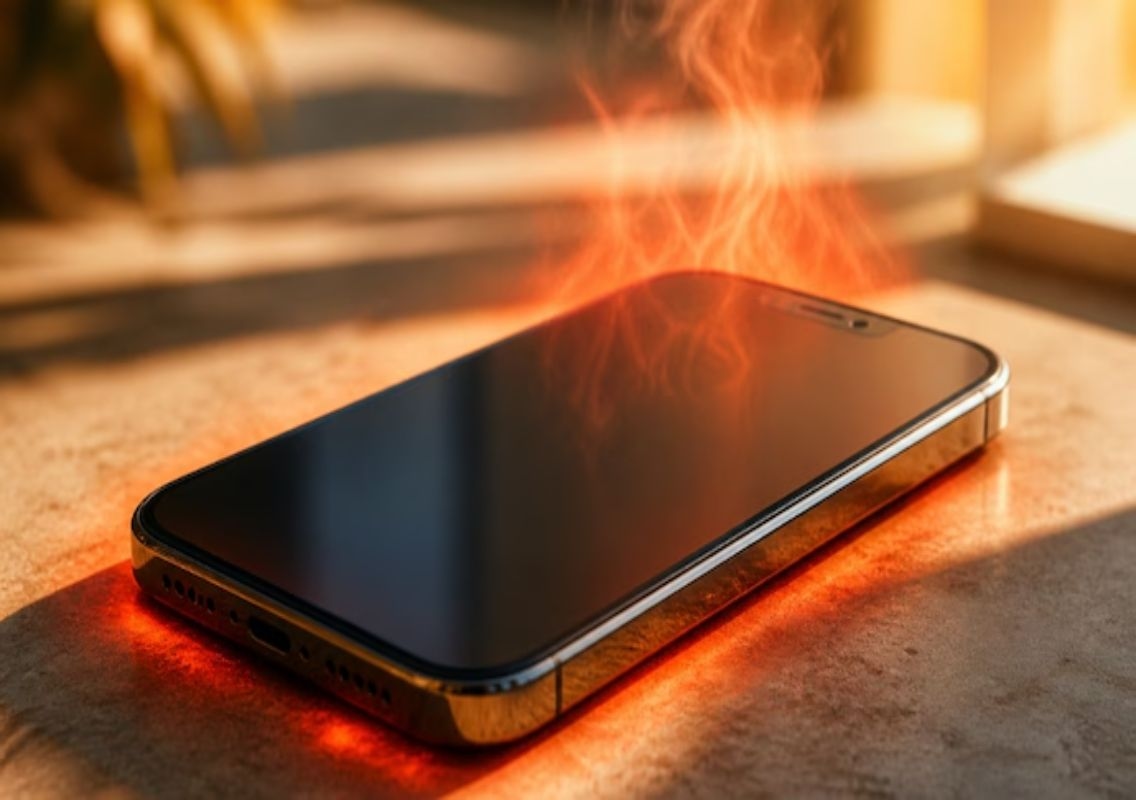


New Delhi: With temperatures in several parts of India crossing 45°C, many smartphone users are noticing a common issue — overheating devices. Among them, iPhones are no exception. While Apple designs its devices with built-in thermal management systems, extreme weather conditions combined with everyday usage habits can push the device beyond its comfort zone.
Experts note that iPhones are designed to function best in ambient temperatures between 0°C and 35°C. When exposed to higher temperatures, the device automatically activates protective mechanisms to prevent internal damage. However, frequent overheating can still impact performance and battery health if not managed properly.
Why iPhones overheat
Overheating is not always caused by external heat alone. A combination of environmental and usage-related factors contributes to the issue.
High ambient temperatures are the most obvious reason, especially during Indian summers. Leaving your phone in direct sunlight — such as on a car dashboard or while outdoors — can quickly raise its temperature.
Heavy app usage is another key factor. Gaming, video editing, or prolonged video streaming puts pressure on the processor, generating excess heat. Similarly, running multiple apps in the background increases workload and contributes to rising temperatures.
Charging habits also play a significant role. Wireless charging, in particular, tends to generate more heat compared to wired charging. Using the phone while it is charging further adds to the problem.
Additionally, thick or rugged phone cases can trap heat, preventing proper ventilation. Poor network conditions can also cause overheating, as the device works harder to maintain connectivity.
How iPhones respond to high temperatures
When an iPhone begins to overheat, it activates a safety feature known as thermal management mode. This helps prevent serious damage to internal components.
One of the first noticeable changes is screen dimming. The display brightness is reduced automatically to minimise heat generation. Users may find it difficult to view the screen under sunlight during this time.
Charging may also be affected. The device may display a “Charging on Hold” message, temporarily pausing charging until the temperature drops. In some cases, charging may stop after reaching 80 percent to protect battery life.
Performance slowdowns are also common. Apps may take longer to open, scrolling may feel less smooth, and certain features like the camera flash may be disabled temporarily.
In extreme situations, the iPhone may display a warning screen with a thermometer icon, indicating that the device needs to cool down before it can be used again. During this period, only emergency functions remain accessible.
Simple ways to prevent overheating
Managing your iPhone’s temperature does not require complex steps. A few practical adjustments can make a significant difference.
Avoid exposing your phone to direct sunlight for extended periods. Keeping it in a shaded or cool place can help maintain a stable temperature.
Switching to a wired charger instead of wireless charging can reduce heat generation. It is also advisable to avoid using the phone while it is charging.
Removing thick or rugged cases during hot weather allows heat to dissipate more effectively. Charging the device in an air-conditioned or cooler environment further helps regulate temperature.
Using Low Power Mode is another effective step. This reduces background activity and limits processor usage, helping the device stay cooler.
Closing unused apps and avoiding heavy tasks during peak heat hours can also prevent overheating. Keeping software updated ensures that the device benefits from the latest performance optimisations.
A growing concern during heatwaves
With climate conditions becoming increasingly extreme, smartphone overheating is turning into a widespread issue. Tech companies, including Apple, are introducing features aimed at balancing performance with user safety.
For users, awareness and simple preventive measures remain the most effective way to keep devices running smoothly. Taking small steps to manage heat exposure can go a long way in maintaining both performance and battery longevity.