







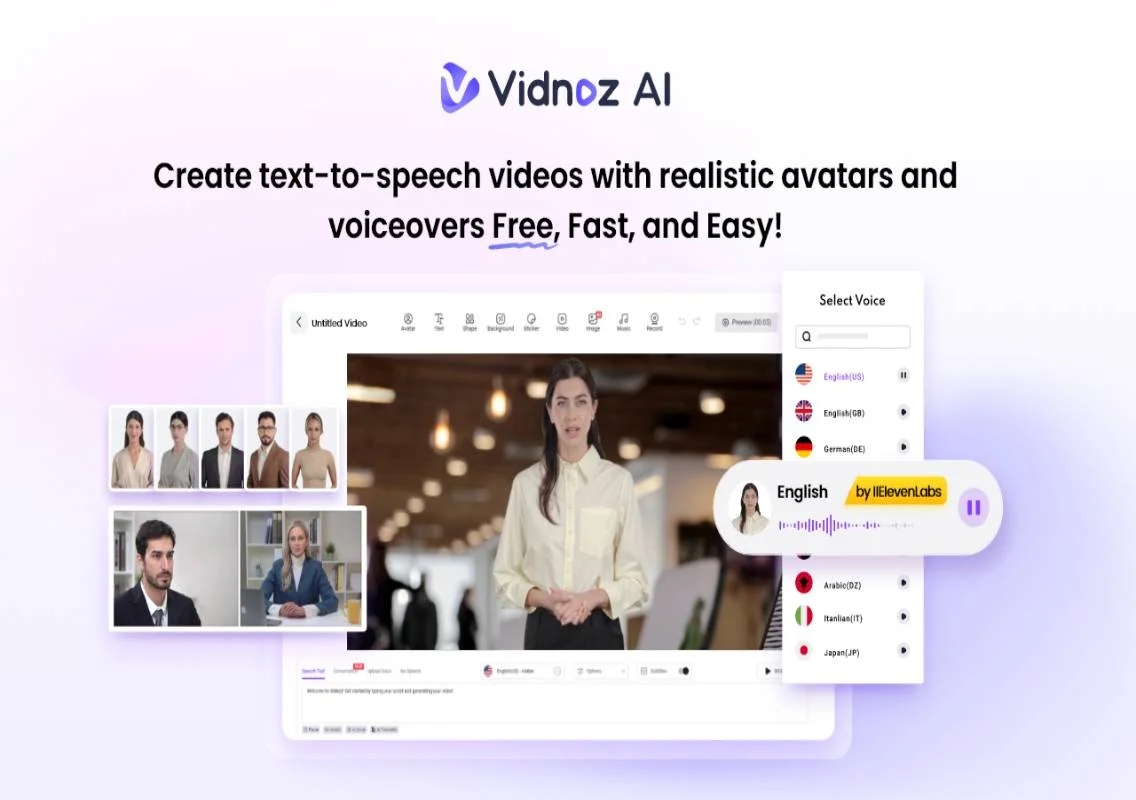


In 2025, capturing attention quickly is more critical than ever. CEOs and business leaders are turning to innovative solutions to streamline outreach and maintain a personal touch at scale. Vidnoz AI emerges as a game-changer, automating the creation of high-quality, engaging video messages that resonate with clients, prospects, and employees alike. By leveraging advanced AI technology, leaders can deliver tailored communication efficiently, without sacrificing authenticity or professionalism. In this guide, we will learn everything about Vidnoz AI, including its features, advantages, drawbacks, and more. Ensure to read this guide till the end.
Part 1: What is Vidnoz AI
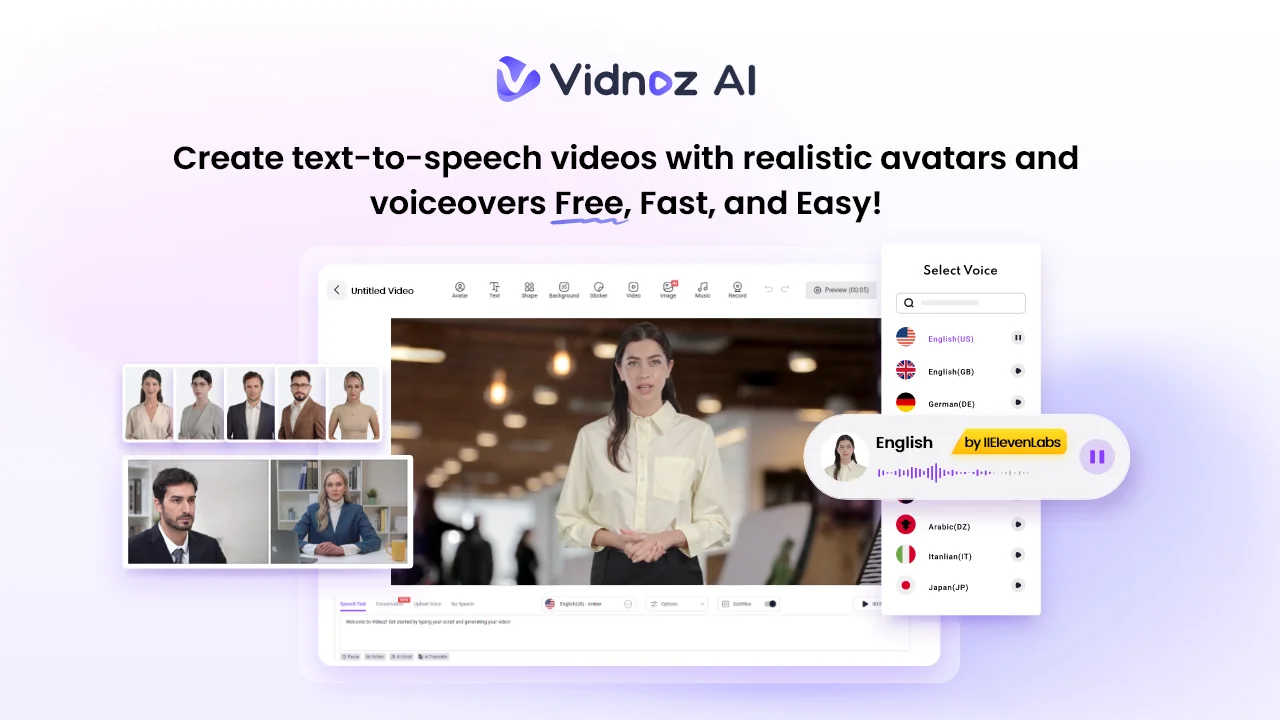
Vidnoz AI is a powerful AI video creation platform that enables users to create high-quality videos with a simple text prompt or any source material. With Vidnoz AI, CEOs and business leaders can generate professional, engaging video content in minutes, transforming how they communicate with clients, teams, and stakeholders. The platform supports a wide range of templates, AI avatars, and voices, making it easy to create videos that align perfectly with your brand and messaging. The standout feature of this tool is that it has ISO/IEC 27001:2022 certification, ensuring top information security and data protection for all users. Further, Vidnoz AI offers an intuitive interface, allowing anyone with zero editing experience to create high-quality videos without any professional help.
Part 2: Core Features of Vidnoz AI in 2025
Vidnoz AI in 2025 offers an amazing suite of features designed to simplify video creation. Here are the top features of this program:
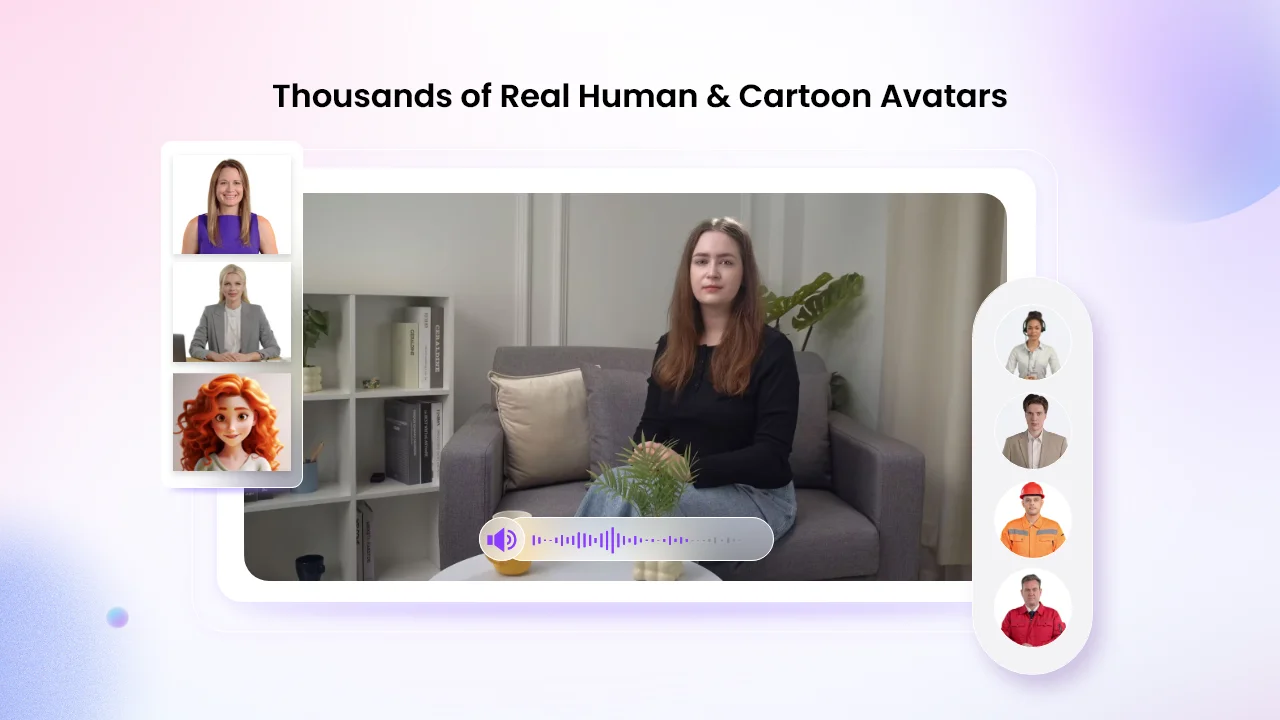
- Realistic AI Avatar: Vidnoz AI includes 1900+ AI avatars, each from a different industry and role. The program offers realistic avatars of doctors, nurses, teachers, students, and more. Further, it enables users to create a digital twin and do quick creations using Avatar Lite, and Avatar Pro offers advanced customization features.
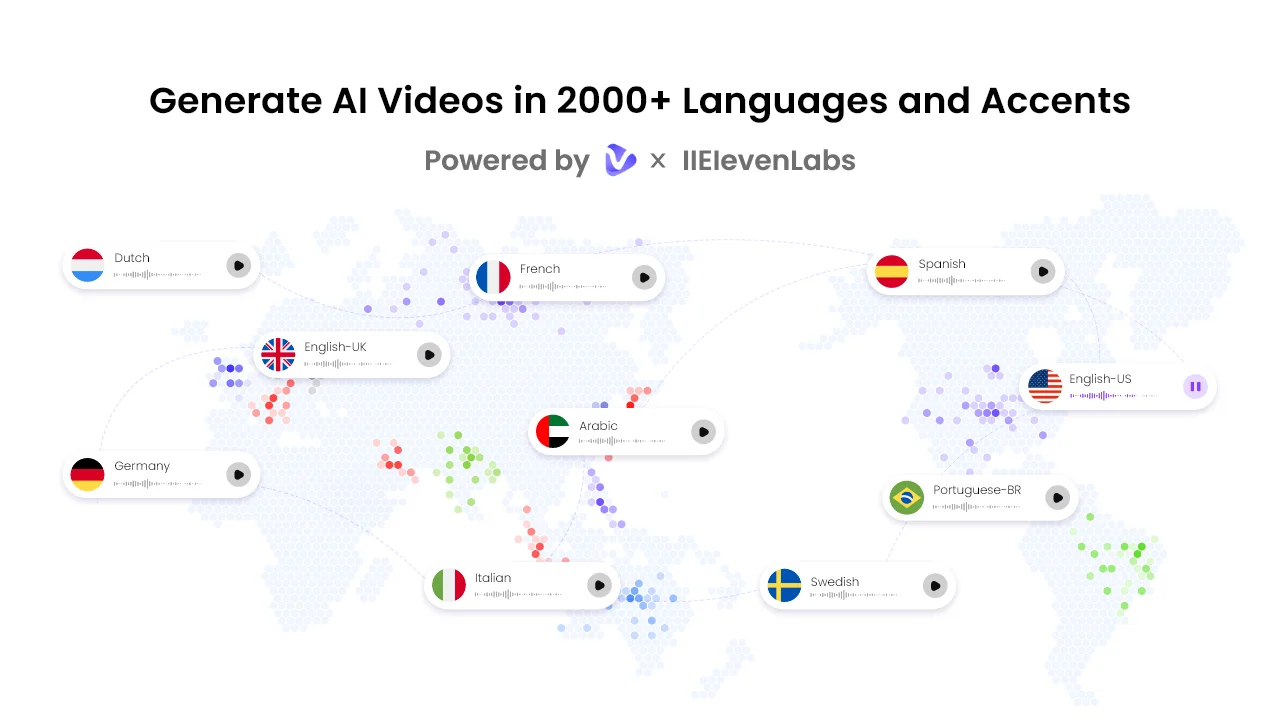
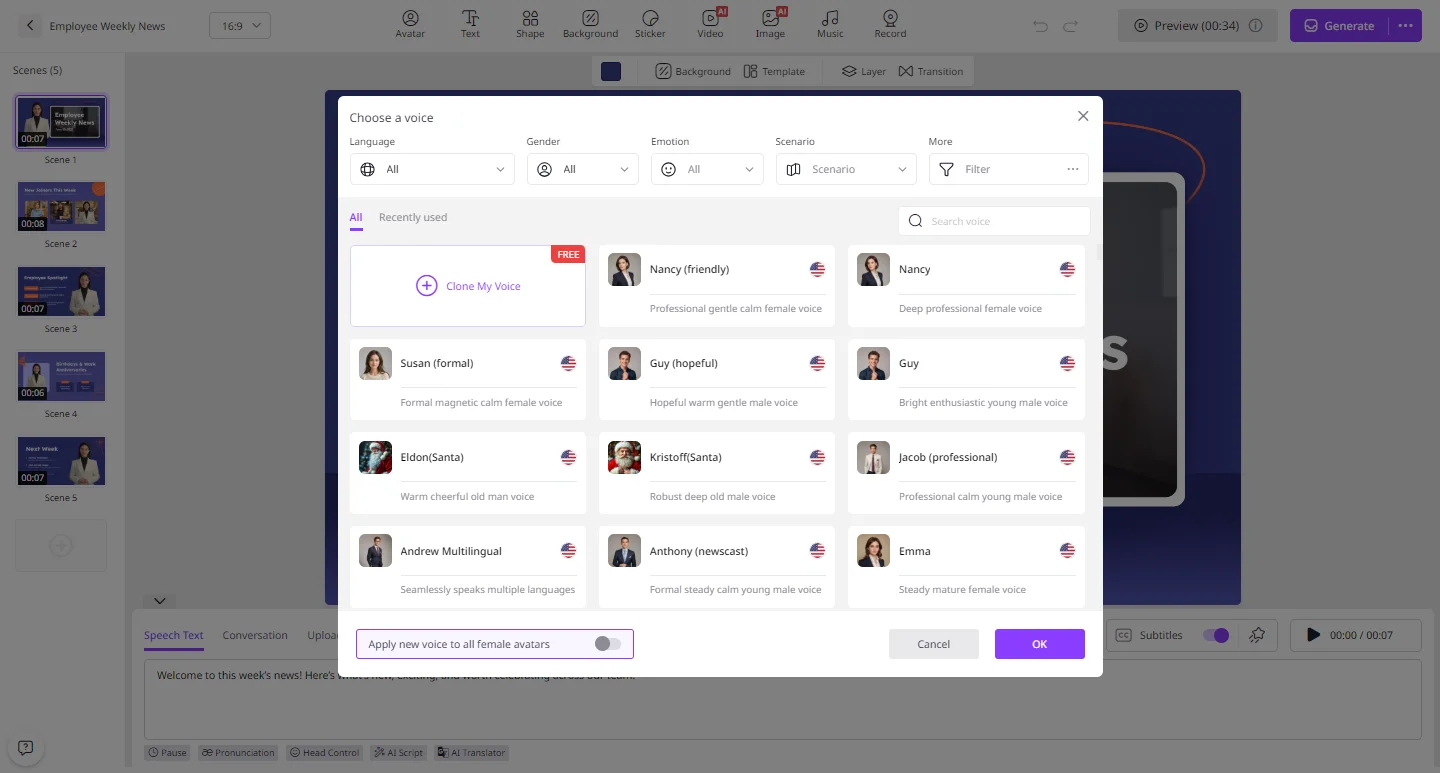
- Engaging AI Voices: The program offers 2000+ AI voices in 140+ languages, each with unique accents and characteristics. All voices are powered by ElevenLabs, Microsoft, and Google. The lip-syncing AI voiceovers can perfectly match the text script with accurate lip movement, appropriate tone, and pitches, as well as gestures.
- Pre-Designed Templates: Vidnoz AI offers 2800+ video templates tailored for various business needs, including sales pitches, marketing campaigns, training, how-to guides, tutorials, and more. A great variety of aspect ratio templates, including landscape (1920 x 1080) and portrait (1080 x 1920), are also available to match the display requirements of different devices.
- AI Video Wizard: The best part of Vidnoz AI is that it enables users to create high-quality videos with a simple text prompt or source material. No editing experience or professional help is required.
- Free Version: Vidnoz AI offers a free version, allowing users to create high-quality videos without spending a single penny. The free version includes 60 credits(2 minutes) every day, Avatar Lite, Online Video Editor, AI Voice Changer, Headshot Generator, and more.
Part 3: Benefits and Drawbacks of Vidnoz AI
Like any other tool, Vidnoz AI comes with its own set of advantages and limitations. Below, we’ve mentioned the top pros and cons of Vidnoz AI:
Pros
- Web-based tool, meaning no software downloading or installation is required to use the program. Simply visit the site and begin the video creation.
- User-friendly interface, allowing users of all technical levels to create professional videos effortlessly.
- Works seamlessly with multiple devices, including Android, iOS, Windows, and macOS.
- Supports a wide range of AI tools, such as AI Video Generator, AI Voice Changer, Online Video Editor, AI Headshot Generator, and more.
- Enables users to create videos in multiple languages, including English, Turkish, Chinese, Russian, Italian, Spanish, Japanese, and French.
Cons
- Web-based AI tools require a stable and active internet connection to create high-quality videos.
Part 4: How CEOs Can Create Videos With Vidnoz AI?
If you want to learn how to create videos with Vidnoz AI, you’re in the right place. Follow the instructions below to do it:
- Navigate to Vidnoz AI’s official site and log in with your free account. Choose the AI Avatar and Template.
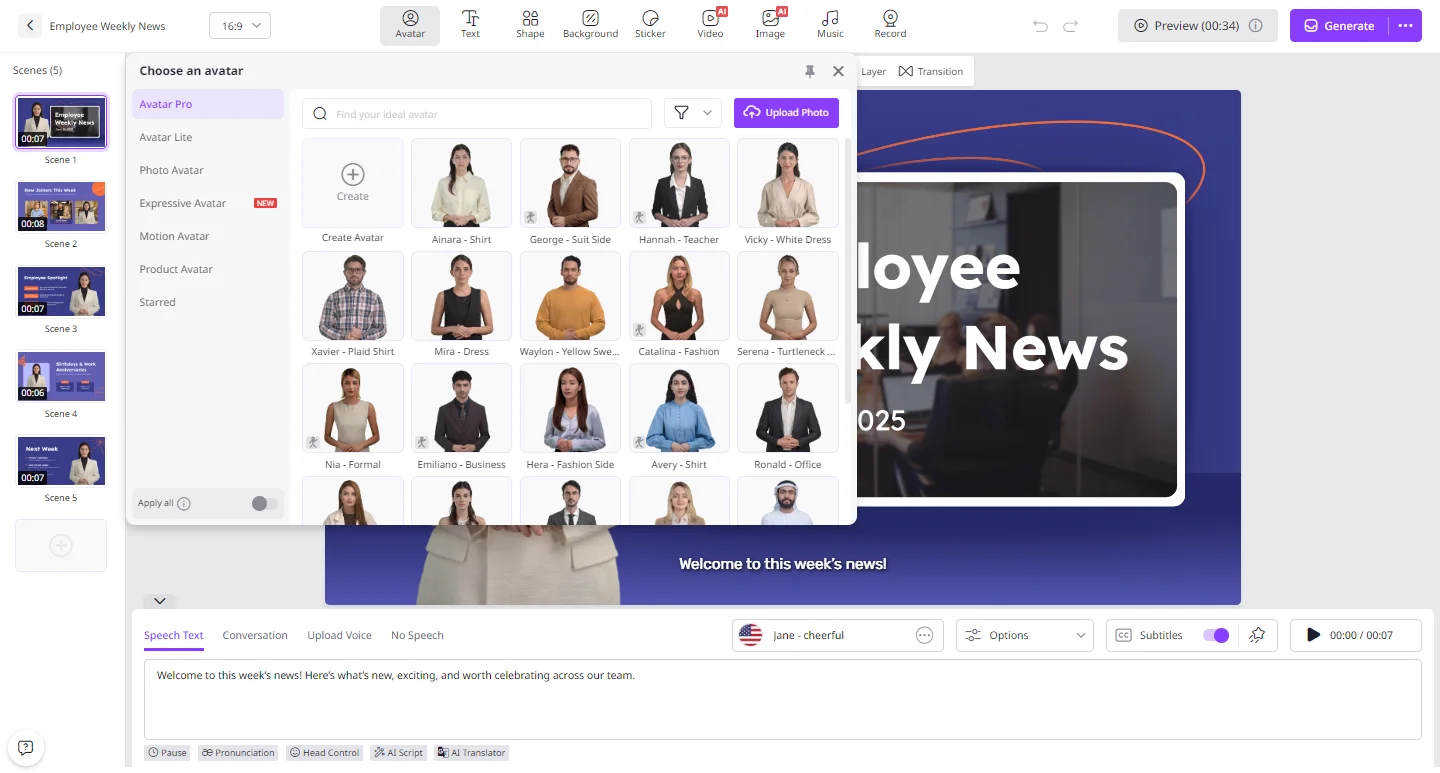
- Input your video script and select the AI voice. Vidnoz AI offers 2000+ AI voices in 140+ languages, such as English, Chinese, Spanish, Japanese, and more.
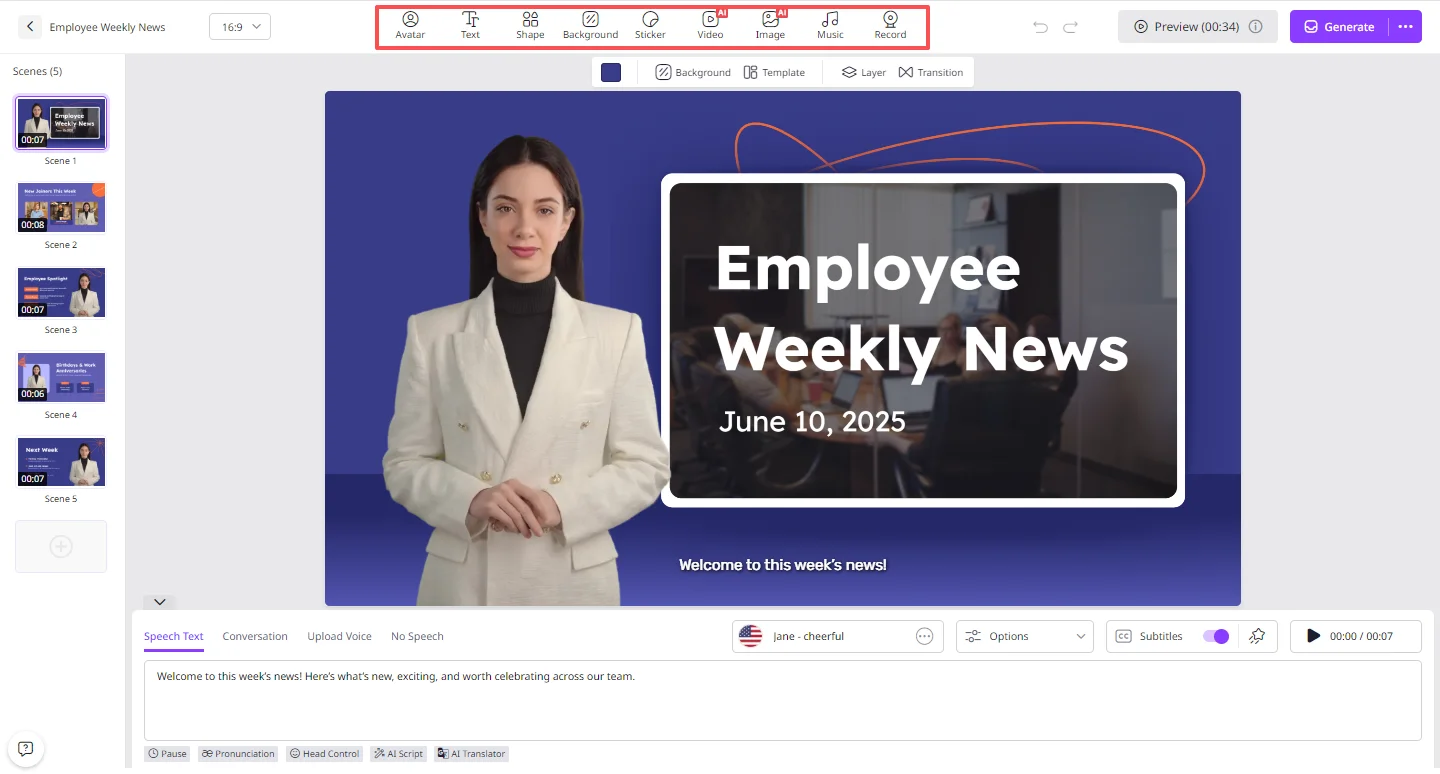
- Next, use the online video editor to customize the AI video according to your needs. It enables you to change the background, insert text, and add music.
- Once all requirements are complete, click on the “Generate” button to begin the video creation process. Preview and if satisfied with the results, click on the “Download” button to save the video.
Final Thoughts
Vidnoz AI is a powerful, all-in-one video creation platform that empowers businesses and leaders to produce high-quality, engaging videos effortlessly. With its AI-driven tools, customizable templates, and robust security, it streamlines outreach, marketing, and training, making it an essential solution.