







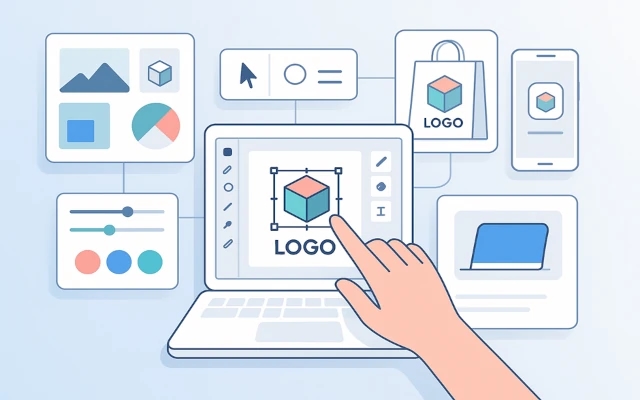

Logo creation used to be complicated. Designers, moodboards, endless revisions, and timelines that dragged for weeks—until now. Thanks to the rise of intelligent design automation, creating a professional logo is no longer out of reach for startups, solo founders, or anyone with an idea and a deadline.
This is the story of how one AI-powered logo tool is changing the game—for everyone from developers and consultants to product managers and e-commerce sellers. And if you’ve ever put off branding because it felt “too early” or “too expensive,” this tool might just flip your entire process upside down—in the best way possible.
This article was prepared by a Turbologo expert.
Why logo creation needed a rethink
A great logo is essential—it’s the visual signature of your business. It shows up on websites, apps, invoices, email footers, and social media profiles. But for many small teams or individual builders, logo creation is the one thing that always seems to get delayed.
Here’s what holds people back:
- Too many design decisions: Fonts, colors, icons, layout—it’s overwhelming
- Lack of time or budget: Designers are expensive, and templates feel generic
- Fear of getting it wrong: A logo sets the tone. Nobody wants to make the wrong first impression
This is where intelligent automation and AI-powered design tools step in—not to replace creativity, but to streamline it with structure and speed.
Meet the tool that changes everything
This new generation logo maker is built around three key promises:
- Design like a pro with zero experience
- Launch faster with a ready-to-use brand identity
- Stay flexible as your brand evolves
How? By combining AI, visual logic, and user-friendly customization into one seamless interface.
Let’s walk through how it works—and why it works so well.
How the AI-powered logo creation process works
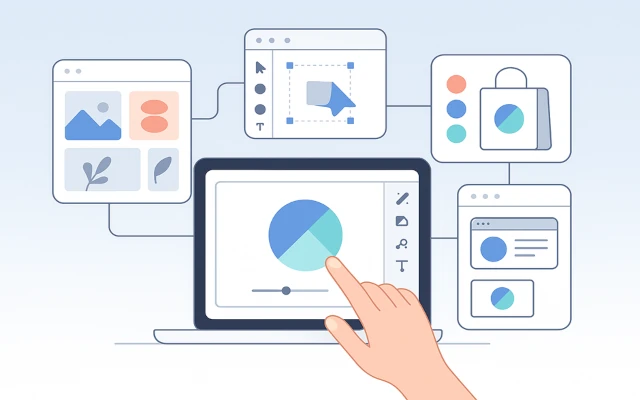
This tool doesn’t just generate random icons and text. It uses design data, branding principles, and smart defaults to produce logos that are visually balanced, stylistically coherent, and brand-ready.
Step 1: Input your brand name and slogan
The tool starts by understanding your brand’s identity. You enter your name, optional slogan, and select your industry—this helps generate relevant styles and icons.
Step 2: Choose your vibe
Select adjectives that describe your brand: modern, elegant, bold, playful, minimalist, etc. This ensures your design reflects the tone you want to project.
Step 3: Select colors and fonts
You can pick preferred colors, or let the tool suggest professional palettes that work across both digital and print.
Step 4: Browse AI-generated logo concepts
Based on your input, an AI logo generator creates dozens of logo options—each using proper spacing, alignment, and font pairing logic.
Step 5: Customize
This is where it gets powerful. You can easily tweak:
- Fonts and font weight
- Icon size and placement
- Spacing and layout
- Color variations for light and dark mode
All in real time, no design software needed.
Step 6: Download your brand assets
Your logo is exported in high-res formats (SVG, PNG, PDF), with optional brand kits including:
- Color codes
- Font names
- Icon-only version
- Social media avatar sizes
Why this changes the logo game for small teams
Here’s what this one tool solves instantly:
|
Challenge |
Old way |
AI-powered logo tool |
|
Need a logo fast |
2–4 weeks with a designer |
20–30 minutes from start to finish |
|
No design background |
Trial and error with Photoshop |
Guided steps with smart presets |
|
Tight startup budget |
$300–$1,500 for custom work |
One-time affordable access |
|
Brand consistency |
Manual alignment and resizing |
Auto-optimized layouts and exports |
You don’t need to know what kerning is. You just need to choose a layout that works—and the tool handles the rest.
Real-life example: from idea to identity in an hour
An independent developer building a time-tracking SaaS tool called Clocker needed a logo before submitting his product to Product Hunt. With only hours left before the deadline, he opened the logo tool.
- He entered “Clocker,” chose “tech” and “minimal” as style inputs
- Within minutes, he had a clean circular icon with a stylized stopwatch and modern font
- He customized the spacing, downloaded an SVG, and used the PNG version for the landing page header
- Later that day, his Product Hunt launch was up—with a brand that looked polished, not rushed
And the best part? He didn’t spend days debating fonts or reviewing agency proposals.
Design quality you can actually trust
What separates this tool from basic template sites is design integrity. Every logo it produces follows professional rules:
- Alignment: Text and icon are properly spaced
- Hierarchy: Brand name and slogan are weighted appropriately
- Color contrast: Every version works on dark and light backgrounds
- Legibility: Fonts scale across mobile and desktop formats
That means your logo looks good not only in mockups, but in real use cases—on phones, dashboards, pitch decks, and more.
Best use cases for this tool
This logo creation system works especially well for:
- Founders launching MVPs
- Freelancers and consultants building personal brands
- Small e-commerce businesses
- App developers shipping new tools
- Newsletters, podcasts, and side projects
If you need to look polished without burning weeks or thousands of dollars, this tool is your unfair advantage.
Pro tips to get the best result
- Know your tone
Write down 3 adjectives that describe your brand before starting—this helps guide font and icon choices. - Keep it simple
Great logos are recognizable. Avoid too many details or gradients. - Test on small screens
Make sure your logo still works in a 40x40px favicon or mobile UI. - Use white space
Spacing gives your logo clarity and presence—avoid cramming too many elements together. - Build around your logo
Use the downloaded color codes and fonts to extend your visual identity across your site or product.
Questions and answers
Is this tool good enough for a real business?
Yes. Many funded startups and growing brands launch with logos from tools like this—and evolve later as needed.
Can I trademark a logo I create here?
Yes, as long as the icon and text are original and not in conflict with existing marks.
Does it work for international languages?
Yes. You can input names in non-Latin characters and preview multi-language versions.
Can I edit my logo later?
Absolutely. You can return anytime, make changes, and re-download updated versions.
Do I need to install anything?
No. It works in your browser, with no design software required.
In a world where branding moves fast, and attention spans are short, a strong logo is your entry ticket to credibility. This one tool transforms how we create logos—turning hours of work into minutes, and hesitation into confidence.
If you’ve been stuck on branding, waiting for the right moment to “get serious,” this is your moment.
This article was prepared by a Turbologo expert.