







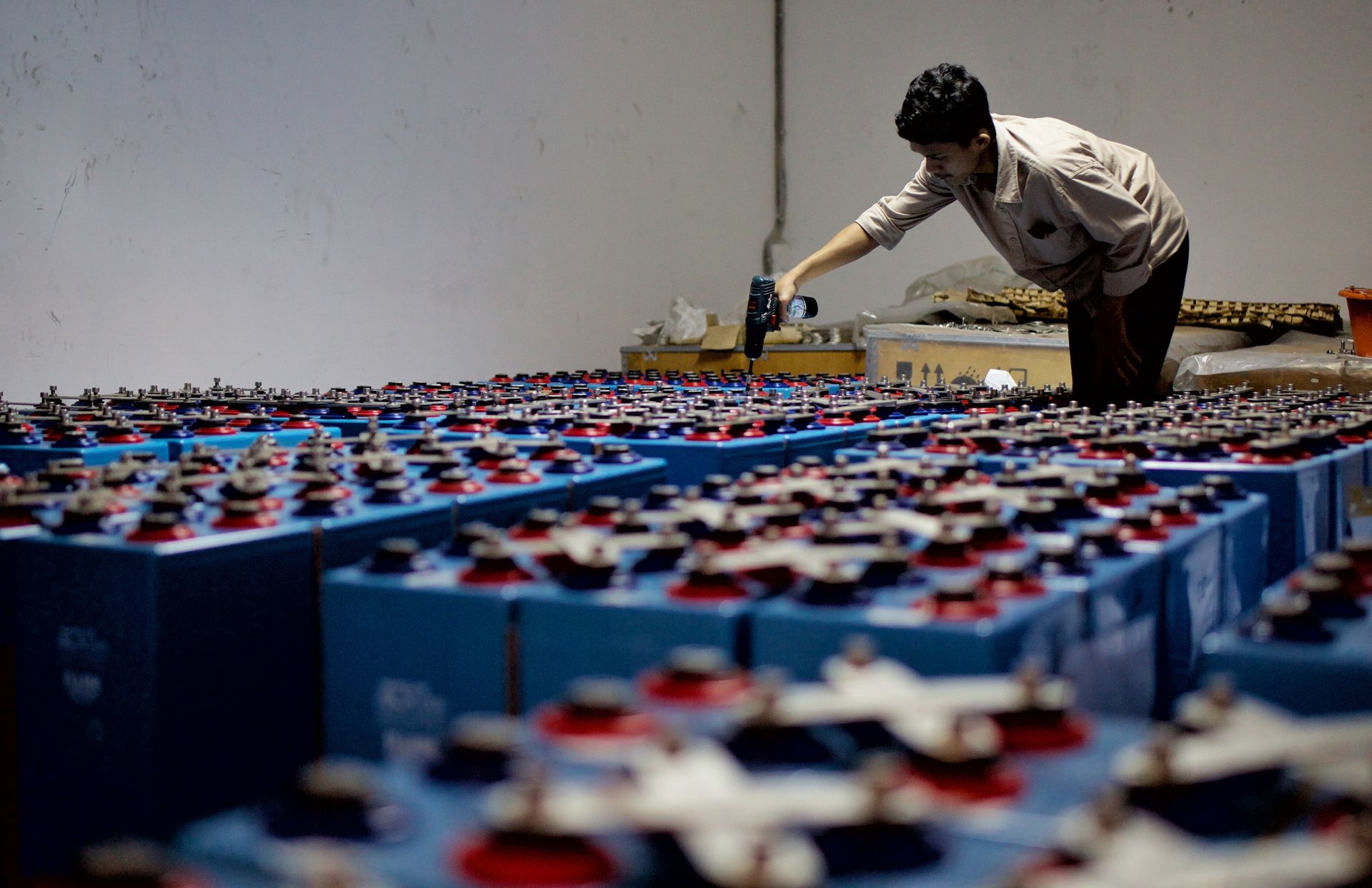


Walk through a warehouse during a busy dispatch shift, and the larger equipment naturally draws your attention. Yet the orders moving across the floor may depend on a small network switch inside a cabinet. A computer at the dispatch desk might be equally important.
These details deserve attention when a facility reviews its power arrangements. Equipment size and operational importance can be quite different. So, how do you plan battery backup for critical loads? Start by speaking with the people who use the equipment every day.
Identify Critical Loads and Their Supporting Equipment
A critical load supports an activity the facility has identified as essential. In the warehouse example, that might include receiving orders, checking stock, or printing shipping labels.
Start by asking the team which tasks should continue during a power transition. Then follow each task through the equipment it uses.
A dispatch computer, for instance, may need a server, network switch, and wireless access point to perform its role. Including that supporting equipment makes the battery backup plan more useful.
Record three things for each load:
- The task it supports
- The equipment and connections it requires
- The time it needs to remain operational
This gives engineers and operations staff a common reference when discussing requirements.
Measure Power Demand Before Selecting a UPS
The next step is to establish how much power those loads draw. A suitable electrical instrument can help measure consumption during representative working conditions.
Equipment nameplates provide useful information, while measurements help teams understand actual operating demand. Both deserve a place in the assessment.
When selecting an Uninterruptible Power Supply (UPS), review its watt and volt-ampere (VA) ratings. Watts describe real power; VA describes apparent power. The connected equipment must fit within both output ratings.
Battery backup specifications should also incorporate startup demand and compatibility requirements. A qualified electrical professional can assess these details and allow suitable capacity for planned equipment additions.
Match Backup Runtime to Operational Needs
Ask what the available operating time needs to achieve. In one facility, the UPS may support equipment while a generator starts. Elsewhere, the goal may be completing a particular task. That distinction helps establish a meaningful runtime target.
Battery backup runtime depends on the connected load and battery configuration. Use manufacturer runtime curves to check the expected duration for the proposed equipment combination.
Some UPS models have separately controlled output groups. Teams can employ these groups to give selected loads priority and extend their operating time. For the warehouse, this could mean keeping dispatch systems available for an agreed period. The required duration should reflect its actual workflow.
Review the Plan as Facility Requirements Change
Keep the load register with the installation records, and label the supported circuits clearly. Staff should be able to identify which devices receive power from the UPS.
Facilities can deploy compatible monitoring software to view system information and receive alerts. Include inspections and battery checks in the maintenance schedule, following manufacturer recommendations.
Revisit battery backup requirements when the warehouse adds workstations, changes dispatch arrangements, or introduces another shift. Small operational changes can provide a useful reason to review the electrical plan.
Choose Electrical Support That Fits Your Facility
A clear brief makes the next conversation with an electrical specialist more productive. Bring the equipment register, operating requirements, and expansion plans to that discussion. Ask how the proposed installation will fit the space and how staff will access it for routine service.
Partnering with a reputed electrical brand provides access to product guidance and application expertise during this process. Service arrangements, installation support, and equipment compatibility are useful topics to explore before making a decision. With these practical details agreed upon, facility teams can prepare purchasing and installation schedules with greater confidence.
Sources: